Back to Blog
tutorial
Getting Started With FlashCut.ai
Step-by-step guide to create professional YouTube videos in just 5 minutes with FlashCut.ai and CapCut.
2026-02-20
5 min read
Introduction
FlashCut.ai is an AI automation platform that helps you create professional YouTube videos in just minutes. Instead of spending hours manually editing, FlashCut automates the entire pipeline from script to finished video.
Step 1: Prepare Your Script
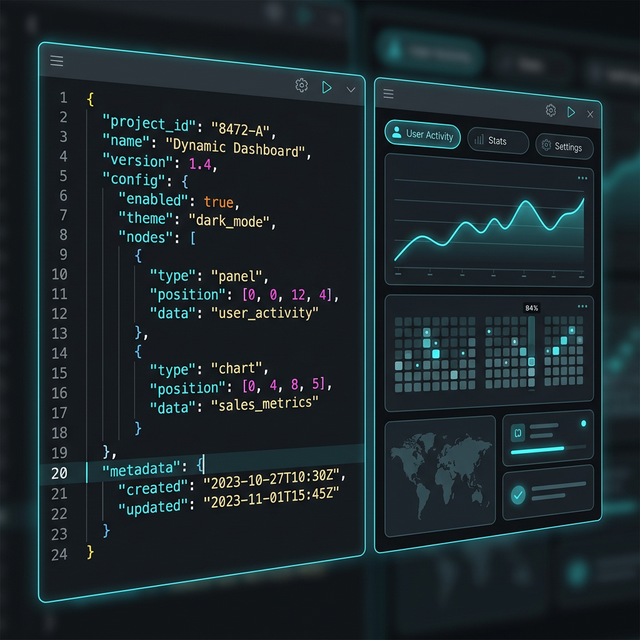
Start by inputting your script into FlashCut. The system supports multiple formats:
- JSON Pipeline — standard format with image prompts and voice-over
- Plain text — AI will automatically analyze and create segments
- Import from file — supports .txt, .json, .md
Step 2: Let AI Handle It
FlashCut uses over 10 leading AI tools:
- Gemini & Claude for content analysis and optimization
- Midjourney & Flux for high-quality image generation
- ElevenLabs & Deepgram for natural voice-over

Step 3: Export to CapCut
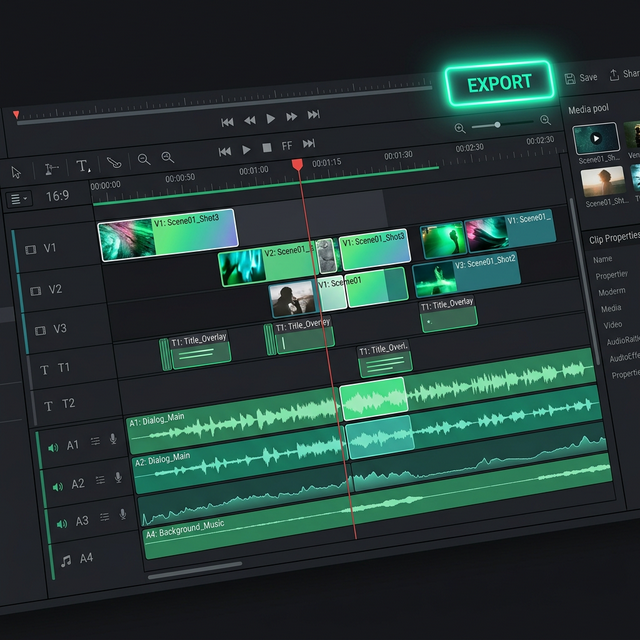
After AI completes processing, FlashCut creates a complete CapCut project with:
- Synced timeline
- Professional effects and transitions
- Auto-generated subtitles
- Matching background music
Conclusion
With FlashCut.ai, you can create studio-quality videos without any video editing experience. Try it today!